Pay for Your Charge Session in Seconds With PowerFlex’s New App-Less Guest Checkout
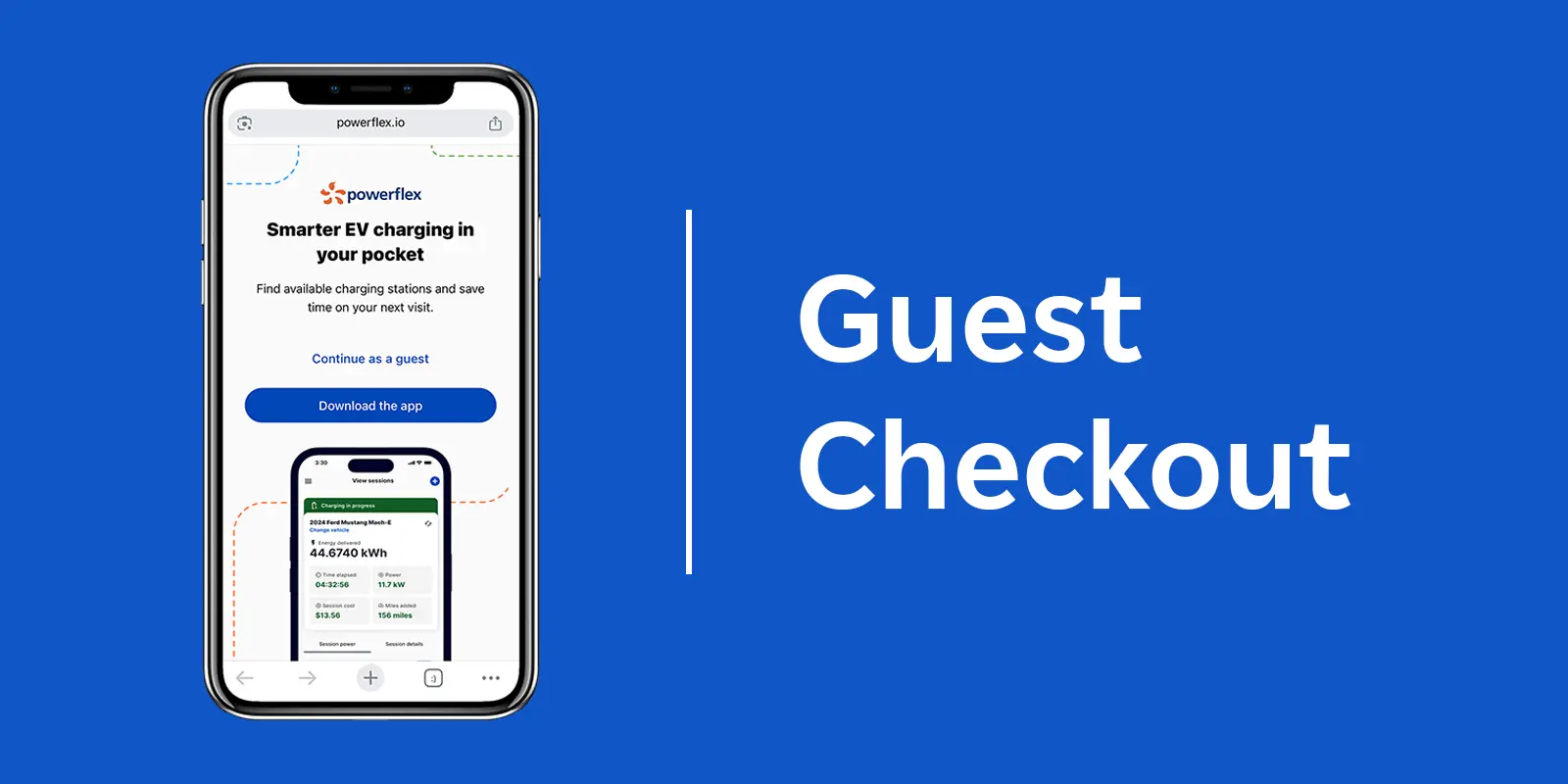
We know the PowerFlex mobile app is a go-to tool for many drivers who want to easily manage their daily EV charging needs. It’s simple: Just scan the charger you want to use, plug in, and walk away. But we also know that sometimes you’re just passing through, borrowing a car, or in a hurry and don’t have time to download and set up an app.
That’s why we are thrilled to introduce Guest Checkout — a new feature that lets any driver start a charge session at a PowerFlex station in just a few taps, no strings attached.
How Guest Checkout Works
We're equipping all newly installed PowerFlex stations with Smart QR codes that make the process incredibly smooth. (Site owners: If you’re an existing PowerFlex customer, you can request Smart QR codes for your chargers at no cost.)
If you find yourself at a public PowerFlex charger and want to get moving without creating an account in the app, here’s all you need to do:
- Scan the QR Code: Open your phone’s camera app and scan the QR code on the front of the charger.
- Select the Guest Option: Your browser will open a PowerFlex webpage. Simply tap the "Continue as a guest" option.
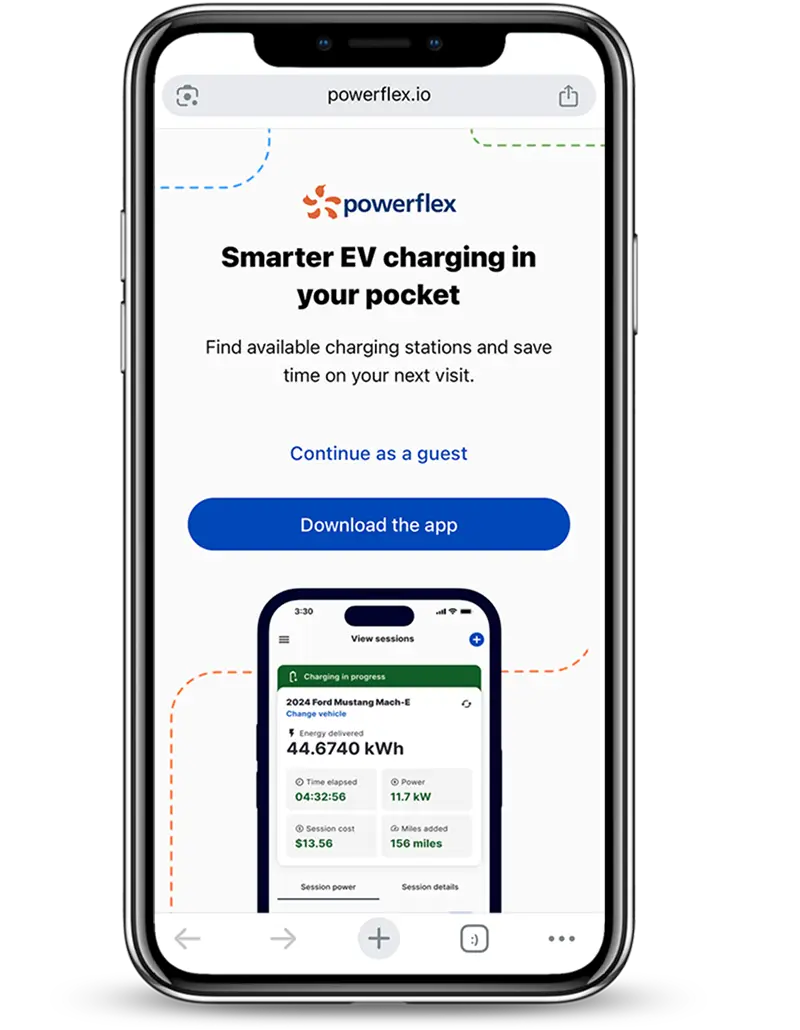
- View Pricing: Review the current energy rate and session fee (if applicable) for that specific charger, then plug in your vehicle.
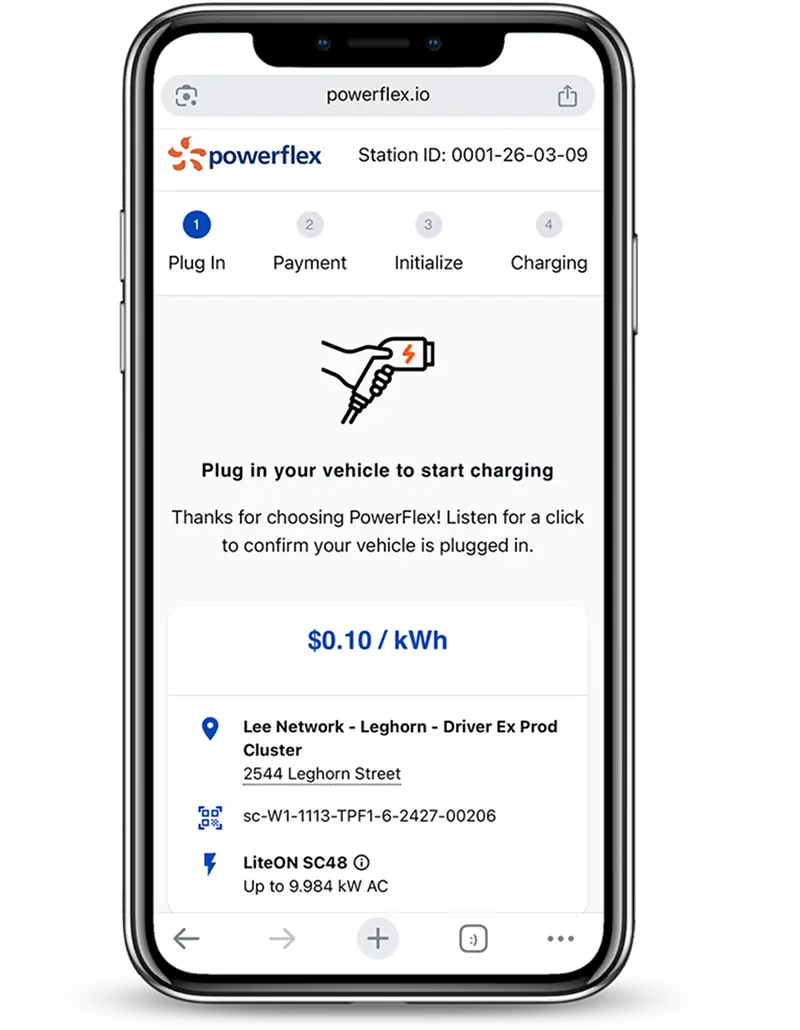
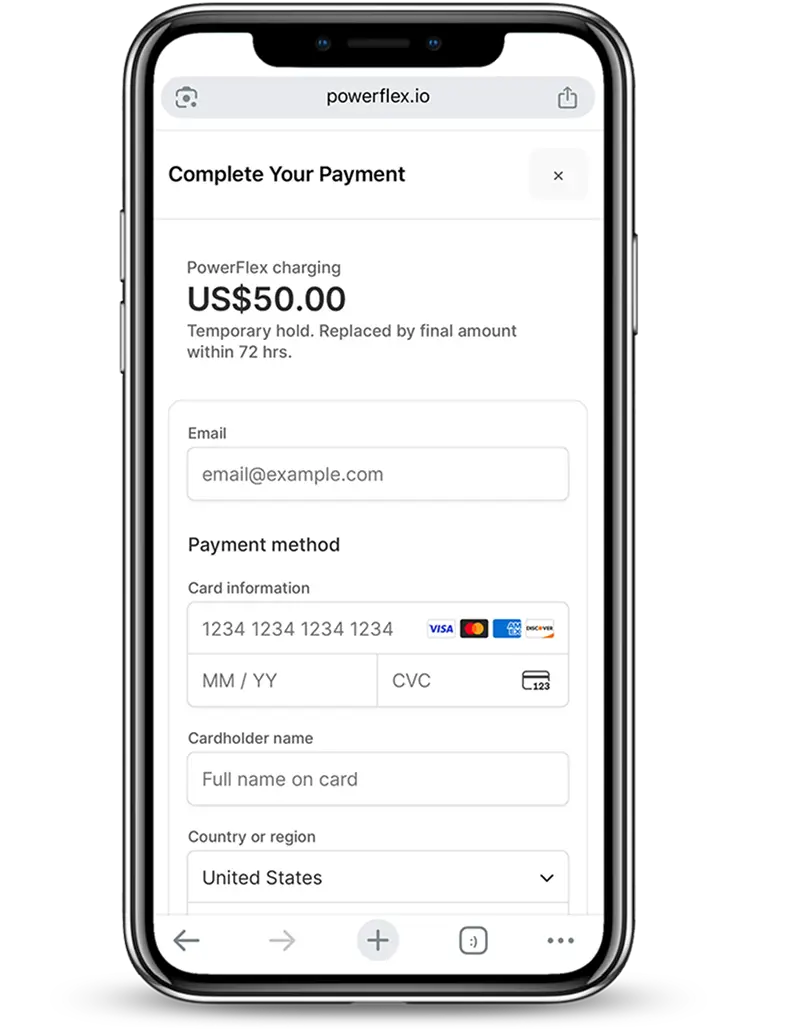
- Enter Payment: Enter your payment details. Guest Checkout supports standard credit cards as well as Apple Pay, Google Pay, and Link for maximum convenience. (The app will put a temporary $50 hold on your payment method, which will be replaced by the final transaction amount within 72 hours.)
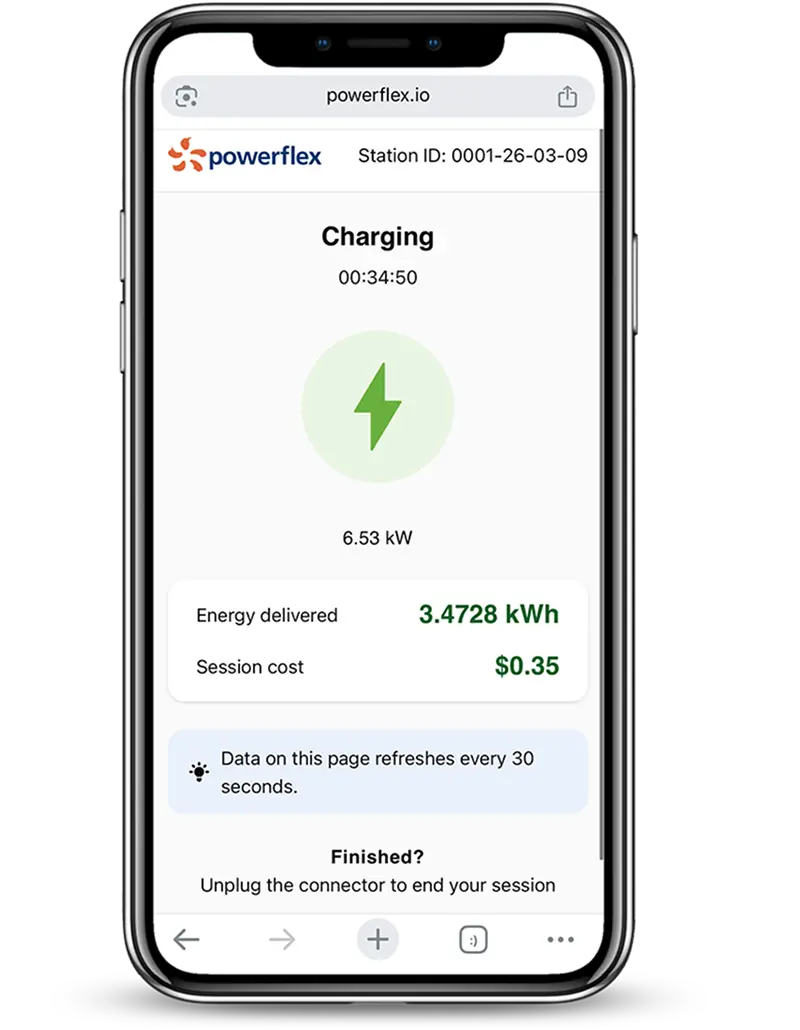
- Start Charging: Your session starts immediately after payment is confirmed. You can monitor session duration, cost, and energy delivered right on the page.
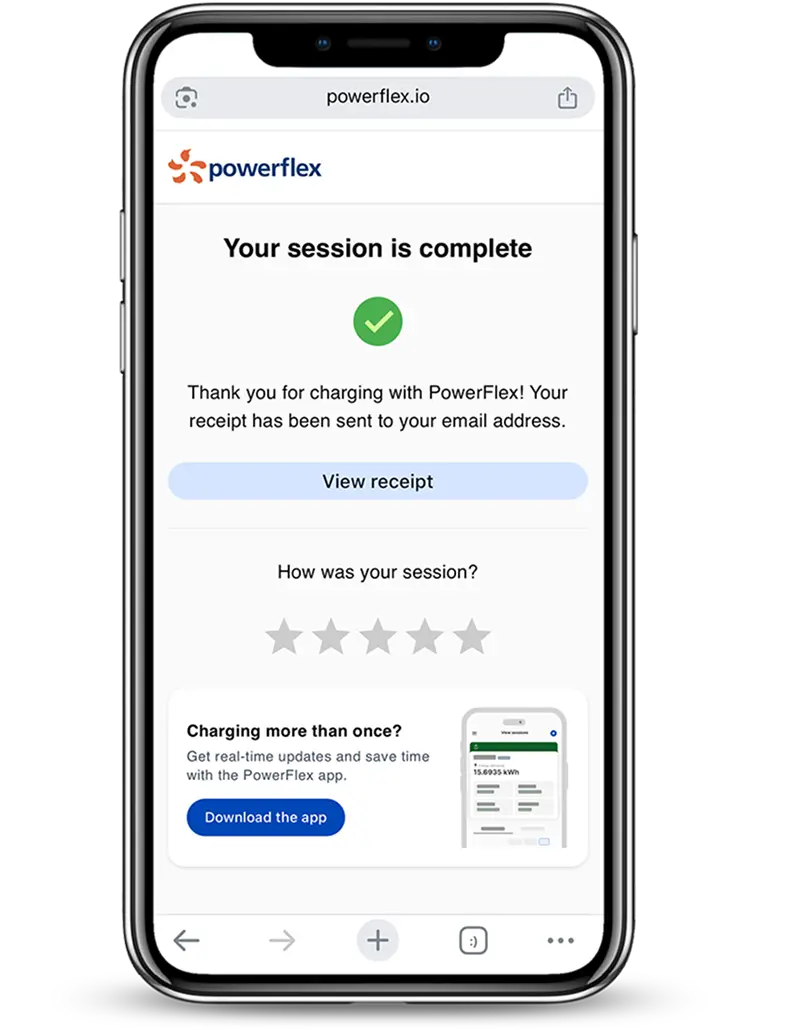
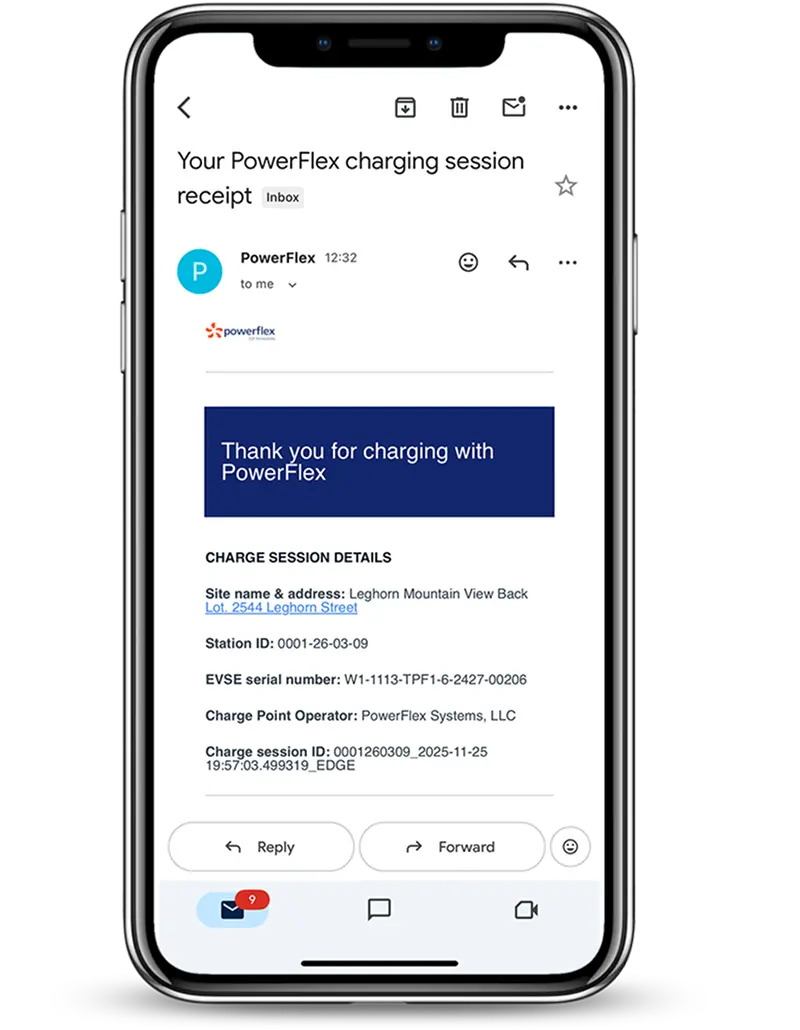
- Get Your Receipt & Go: Once charging is complete, you’ll receive a digital receipt by email. Unplug your vehicle, and be on your way!
Here’s Why You Might Still Prefer the App
While Guest Checkout is perfect for a one-off charge, the PowerFlex mobile app remains the ultimate companion for the regular EV driver.
Some sites like private workplace lots or apartment complexes require specific authorization to charge. If you frequent these types of properties, you’ll want to use your PowerFlex account so that your email address can be verified.
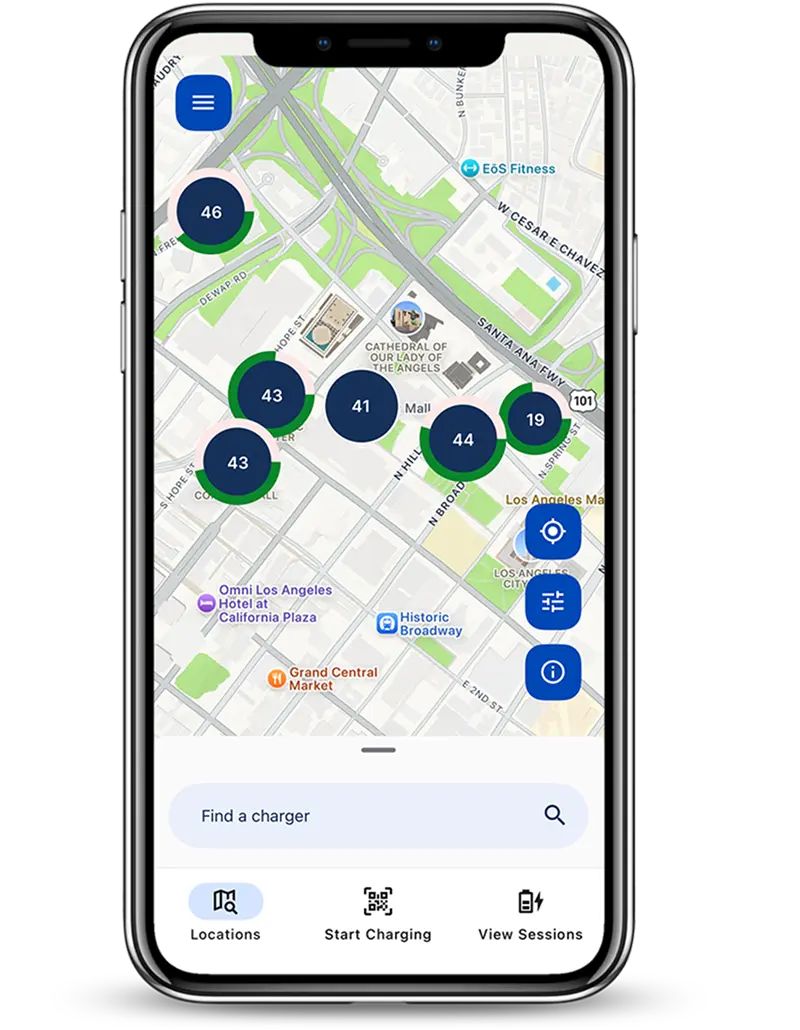
The app also comes in extremely handy when looking for a public charger. You can use our interactive map in the Locations tab to find an available charger before you even arrive at your destination.
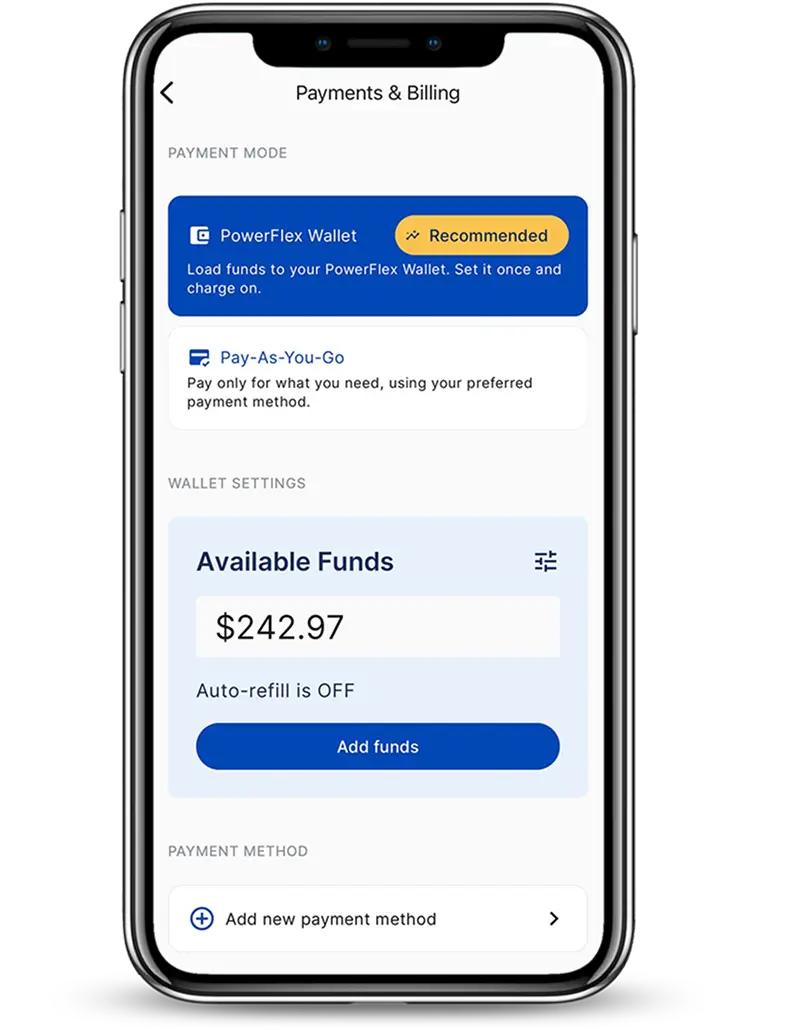
What's more, the PowerFlex mobile app makes paying for your charge session even easier. Choose Pay-As-You-Go to pay for sessions one at a time, or pre-load funds into your PowerFlex Wallet. Select Auto-Refill and you’ll never have to worry about running out of available funds while out and about.
PowerFlex Gives You Flexibility in How You Charge Your EV
At PowerFlex, our goal is to make your charging experience as seamless as possible. That means you have the option of managing your session through our web-based Guest Checkout or with our highly rated mobile app.
No matter which option you choose, we’re here to help if you run into issues. Contact us at support@powerflex.com.