Having Trouble With a PowerFlex EV Charger? Here’s What to Do
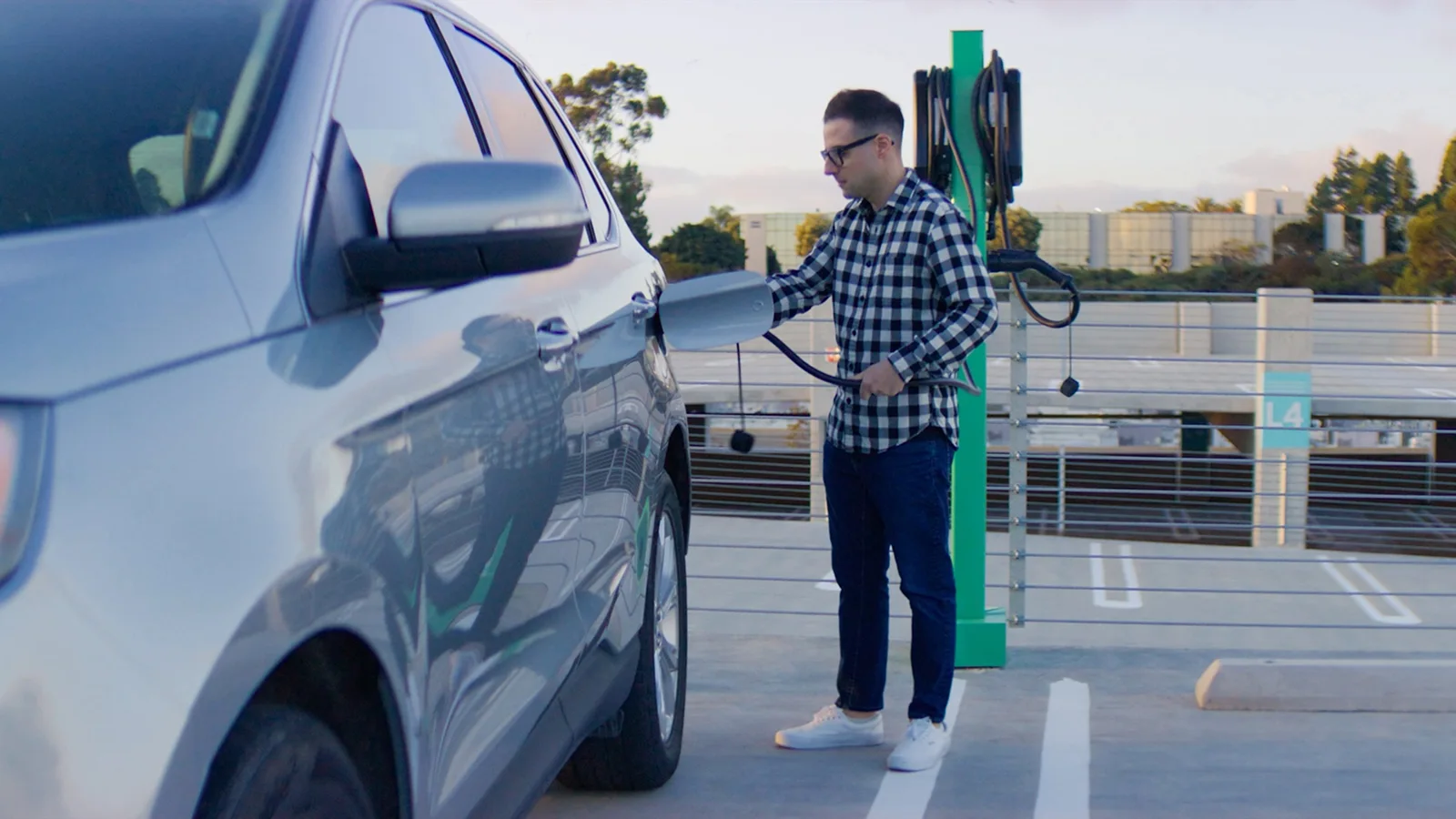
The PowerFlex network is designed to make EV charging simple: Just scan the charger you want to use, plug in, and walk away. But on the rare occasion you run into a problem, most issues can be resolved in a few minutes with the PowerFlex App — which you already use to start, manage, and pay for your charge sessions. Here are some simple things you can do if you ever have trouble charging your car.
1. Make Sure the Station Is Actually “Claimed”
With PowerFlex, your session doesn’t begin until you’ve claimed the station in the PowerFlex App. To confirm this step is complete:
- Open the PowerFlex App and tap Start Charging.
- Scan the QR code on the front of the charger (or enter it manually if the camera can’t read it).
- Review and accept the pricing shown in the app.
Until you accept the pricing screen, the station is not considered claimed and your vehicle will not begin charging — even if you’ve plugged in. If you’re plugged in and nothing is happening, reopen the app and make sure you’ve fully completed these steps.
2. Check for a Good Connection With Your Vehicle
A secure physical connection between the charger and your vehicle is essential. If you're having trouble, it’s best to make sure this is the case. Here’s how:
- When plugging in, listen for a single “click” from the charger. That sound indicates a clean connection.
- If you don’t hear a click (or hear multiple clicks, suggesting the charger may have disconnected) do this:
- Unplug the connector from your car.
- Wait about 20 seconds.
- In the PowerFlex App, re-scan the QR code again.
- Plug in with a firm push to ensure the connector is fully seated.
Once connected, it can take up to a minute for energy to start flowing. You can monitor progress in the View Sessions section of the app.
3. Verify Your Vehicle’s Charging Limits and Schedule
Sometimes the charger is ready, but your car isn't able to accept a charge. The reason often lies in your vehicle's charging preferences. For example, many EVs allow you to set a maximum charge limit (e.g., 80%) or schedule charging to only occur during certain hours (often to save on electricity costs).
If your battery is already above your set limit, or you’re trying to charge outside of your selected time window, the vehicle will not pull power. To fix this:
- Unplug your vehicle.
- Adjust your charge limit or schedule in the vehicle’s settings (or the vehicle manufacturer’s app).
- Go back into the PowerFlex App, re-claim the station by scanning the QR code again, and restart your session.
4. Confirm You Have Enough Funds in Your PowerFlex Wallet
If your site requires payment, you’ll need a sufficient balance in your PowerFlex Wallet to begin charging. The app will warn you if your funds are too low. To check funds and top up:
- Tap the hamburger menu (three lines) in the upper left of the PowerFlex App.
- Choose Payments & Billing to view your current wallet balance.
If funds are low, follow the prompts to add money to your wallet before trying to start the session again. To avoid running out in the future, turn on Auto-Refill.
Alternatively, if you prefer to pay per session, select the Pay-As-You-Go option on the Payments & Billing screen.
5. Make Sure You’re Permitted to Use the Station
Some PowerFlex chargers are restricted to specific groups, like workplace employees, apartment complex residents, or university students. If you scan a restricted station’s QR code, the app will notify you. If you believe you should have access, follow these steps:
- Confirm you’re signed into the app with the correct email address associated with your organization or property.
- If the problem persists, talk with your building or site administrator. They control access permissions for that charger.
6. Check for Power at the Station Itself
Sometimes the issue isn’t your vehicle or the charger — it’s the power supply to the charging station. You can check the power status by looking at the indicator lights on the front of the charger:
- If the lights are off, the station may not be receiving power.
- In this case, moving to another PowerFlex charger on site (if available) is often the quickest solution.
- You can still use your PowerFlex App to locate other nearby stations in the Locations tab.
7. Still Stuck? Contact PowerFlex Support
If you’ve worked through the above steps and your EV still isn’t charging, there may be a station or site-level issue. In this case, we recommend contacting our support team.
- Phone: 833-4-PWRFLX or (833) 479-7359
- Email: support@powerflex.com
Support can help diagnose whether the issue is with your EV, the station, or the site’s infrastructure and guide you through next steps.
For a complete list of troubleshooting tips and more detailed how-tos, visit the Troubleshooting section of the PowerFlex App page.